Live uptime. Fast alerts. Real infrastructure visibility.

A monitoring platform your visitors understand in one glance.

Monitor Hub watches websites, APIs, Windows servers, and Linux or Ubuntu machines with a product experience that feels active, technical, and trustworthy from the first second.

  • Website and TCP uptime checks
  • Manual API testing that becomes monitoring
  • Instant downtime alerts
  • Windows and Ubuntu server coverage
Production-ready monitoring at Monitorhubs.com
Platform feel

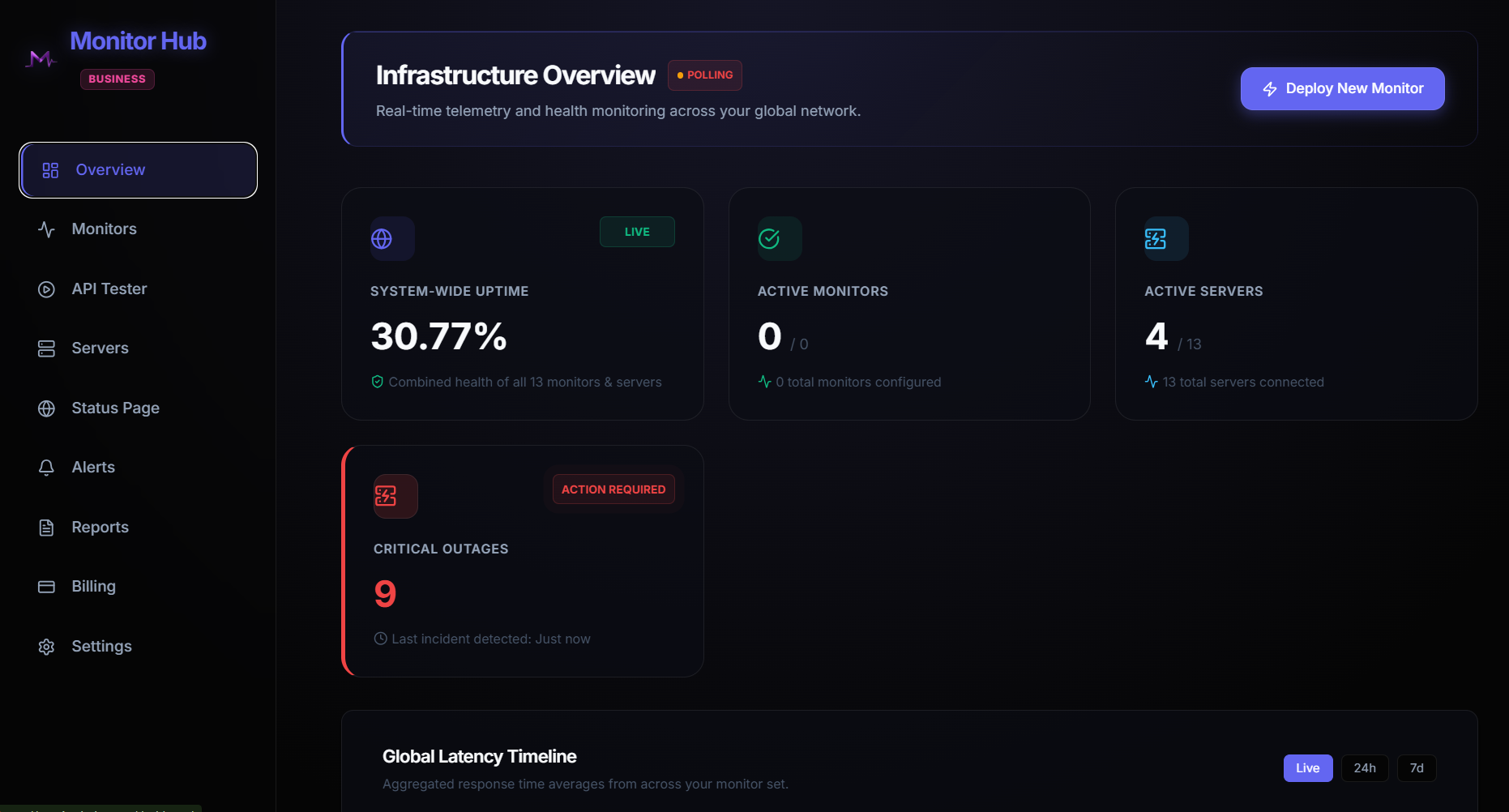
Monitor Hub brings website monitoring, API monitoring, and server monitoring into one clear control room.

Built for teams that search for a reliable monitor, monitoring dashboard, uptime checker, API checker, and infrastructure alerting tool, Monitor Hub keeps every critical service visible from Monitorhubs.com.

What users see

Live uptime monitoring overview

Track website uptime, TCP ports, endpoint health, and global latency from one fast dashboard built for immediate decisions.

What teams feel

Downtime alerts with context

Route incidents through email, Slack, SMS, and webhooks while keeping response status, history, and recovery events easy to understand.

What sticks

Monitoring built for operators

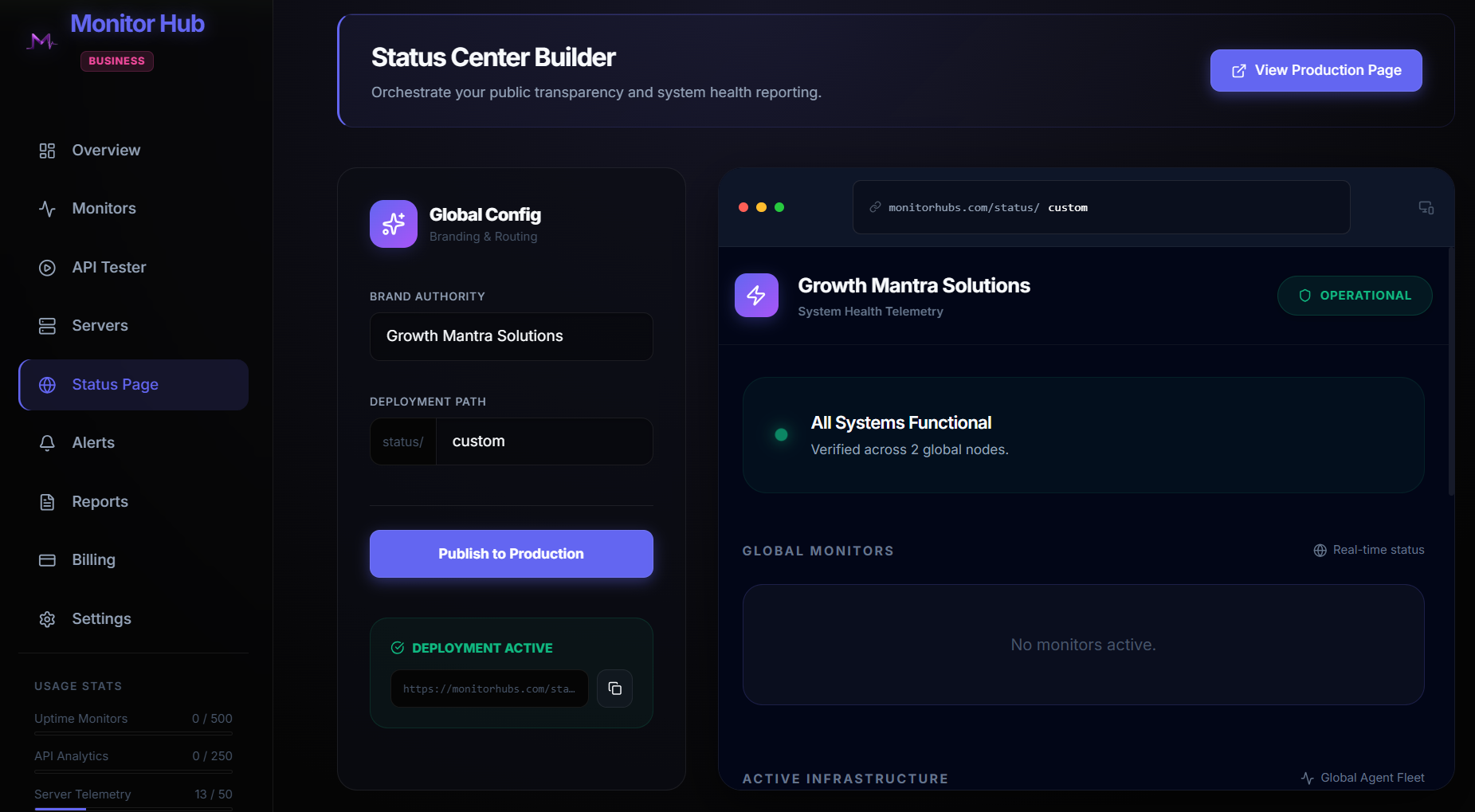
Monitor Hub presents realistic product screens for API checks, website monitors, server health, incident history, and status pages.

Search-ready monitoring platform

Designed for teams looking for Monitor Hub, Monitor Hubs, uptime monitoring, and server visibility.

Monitorhubs.com is positioned around the terms your customers actually search: monitor, monitoring, website monitoring, API monitoring, server monitoring, uptime checker, downtime alerts, Linux monitoring, Ubuntu monitoring, and Windows server monitoring.

Website Monitoring

Always-on uptime checks for public websites, customer portals, landing pages, APIs, TCP ports, and business-critical endpoints.

API Monitoring

Run API requests, validate responses, watch latency, debug payloads, and turn important requests into continuous background monitors.

Server Monitoring

Monitor Windows, Linux, and Ubuntu servers with CPU, RAM, disk, network, process, heartbeat, and incident visibility.

Incident Alerts

Receive downtime alerts fast, review incident history, track recovery, and keep teams aligned during service interruptions.

Web and TCP monitors

Create monitors that look actionable before anyone reads the copy.

Websites, APIs, and TCP ports can be configured from a clean panel that feels like the real product: monitor type, target URI, frequency, advanced request setup, and current monitor rows underneath.

Web & TCP Monitors

Track websites, APIs, and strict TCP ports from one place.

Create Monitor

Configure Target

HTTP Status Check
https://status.your-site.com
Primary Checkout API
300 seconds
Advanced API settings
Deploy Analytics Cancel
Status Name Target Interval Action
UP Backend API https://api.monitorhub.com 300s
UP Main Website https://monitorhub.com 60s
CHECKING Client Portal https://portal.monitorhub.com 120s
Incident workflow

Checkout API recovered automatically after 2 failed probes.

Alert fanout

Email, Slack, SMS, and webhook escalation all verified.

API Tester & Debugger

Run requests manually, inspect payloads, then save them as monitors.

Request Configuration

GET
https://api.example.com/v1/users
Send
{   "Accept": "application/json",   "Authorization": "Bearer live_token" }
Save Request to Automated Monitors

Response

200 OK in 182ms
{   "status": "healthy",   "region": "global-edge",   "checksPassed": 18 }
API checks with context

Test once, promote to monitoring, and keep failures visible.

This section uses request bars, response shimmer, and structured code framing so API monitoring feels relatable to developers and technical buyers immediately.

Physical server monitoring

Windows and Linux infrastructure shown like a live fleet, not a marketing icon.

CPU, memory, storage, and agent heartbeat are grouped into rack-style cards with quiet movement that suggests constant polling and stable control.

DIC production server

Online - Uptime 4d 22h 48m - Heartbeat 07:51:17

CPU 1.39%

Current load

RAM 11.2 / 15.8 GB

70.8% utilization

Disk 68.60%

Primary volume used

Network Down 0.04 MB

Received this interval

Network Up 0.03 MB

Sent this interval

CPU Utilization (%) Live agent sample
RAM Used (MB) Stable
Disk Usage (%) Threshold 85%
Network I/O (MB / interval) Inbound and outbound spikes
Trust layer

Looks like a platform operators can believe, not just admire.

Realistic status language, tighter component rhythm, and deeper dashboard detail help the page feel closer to a working product.

Status page sync Public incident updates in seconds

Push verified outages and recoveries straight from monitors to your customer-facing status experience.

On-call ready Escalation that respects urgency

Route the first alert to a team channel, then progressively trigger SMS and webhook workflows if recovery does not happen.

Machine visibility One pane for web, API, and server health

Bring public uptime, internal service checks, and physical node telemetry into one quieter but richer control layer.

Monitor Hub Pricing

Simple plans for website monitoring, API checks, and server visibility.

Start free, then upgrade when you need faster check intervals, more monitors, longer retention, integrations, and advanced incident workflows for Monitorhubs.com.

Current plan: Free

Upgrade to unlock faster checks, team alert routing, and longer monitoring history.

Free

For trying Monitor Hub with essential uptime visibility.

$0 /mo

Free forever

  • 5 uptime monitors
  • 2 API monitors
  • 1 server monitor
  • 5 min check interval
  • 24 hours data retention
  • Email alerts
  • Basic status view
  • Public website checks
Get Started
Starter

Best for indie developers and small projects.

$10 /mo

Billed monthly

  • 25 uptime monitors
  • 10 API monitors
  • 3 server monitors
  • 60 sec check interval
  • 7 days data retention
  • Email and webhook alerts
  • Incident history
  • Basic API response checks
Upgrade
Business

Built for teams and critical infrastructure.

$84 /mo

Billed monthly

  • 500 uptime monitors
  • 200 API monitors
  • 50 server monitors
  • 30 sec check interval
  • 180 days data retention
  • Escalation policies
  • Team roles and audit-ready history
  • Priority alert routing
  • Advanced integrations
Upgrade
Plan comparison

Compare Monitor Hub plans at a glance.

Upgrade to unlock faster checks, more history, and advanced alerts.
Feature Free Starter Pro Business
Uptime monitors 5 25 100 500
API monitors 2 10 50 200
Server monitors 1 3 10 50
Interval 5 min 60 sec 30 sec 30 sec
Alerts Email Email + webhook Slack + webhook Escalation policies
Retention 24 hours 7 days 30 days 180 days
Advanced features Basic status Incident history Status pages + API assertions Roles, audit history, integrations
Status Pages 1 5 20 Unlimited
Team Members 1 5 20 Unlimited
SSL & Domain Alerts No Yes Yes Yes
Developer API No No Yes Yes
Data Archival (S3/Cloudflare) No No Yes Yes
Audit Logs & Reporting No No No Yes
Monitor Hub FAQ

Answers for teams comparing monitoring platforms.

These questions help visitors and search engines understand exactly what Monitor Hub does, who it is for, and why Monitorhubs.com is relevant for uptime and infrastructure monitoring.

What is Monitor Hub?

Monitor Hub is a monitoring platform for websites, APIs, TCP ports, Windows servers, Linux servers, and Ubuntu infrastructure.

Can Monitor Hub monitor website uptime?

Yes. Monitor Hub tracks website uptime, endpoint availability, response behavior, latency, and downtime events with live dashboards.

Does Monitor Hub include API monitoring?

Yes. Teams can test API requests, inspect responses, validate service health, and save important API checks as continuous monitors.

Can Monitor Hub monitor Windows, Linux, and Ubuntu servers?

Yes. Monitor Hub supports server monitoring concepts for CPU, RAM, disk usage, network I/O, heartbeat, processes, and incident visibility.

Launch Monitor Hub

Make the page feel like the product people want to trust with uptime.

Faster to understand, more relatable to technical users, and ready to present professionally at Monitorhubs.com.

Request a Demo